
Using 3D spatial sound to locate enemies without a screen: how it works
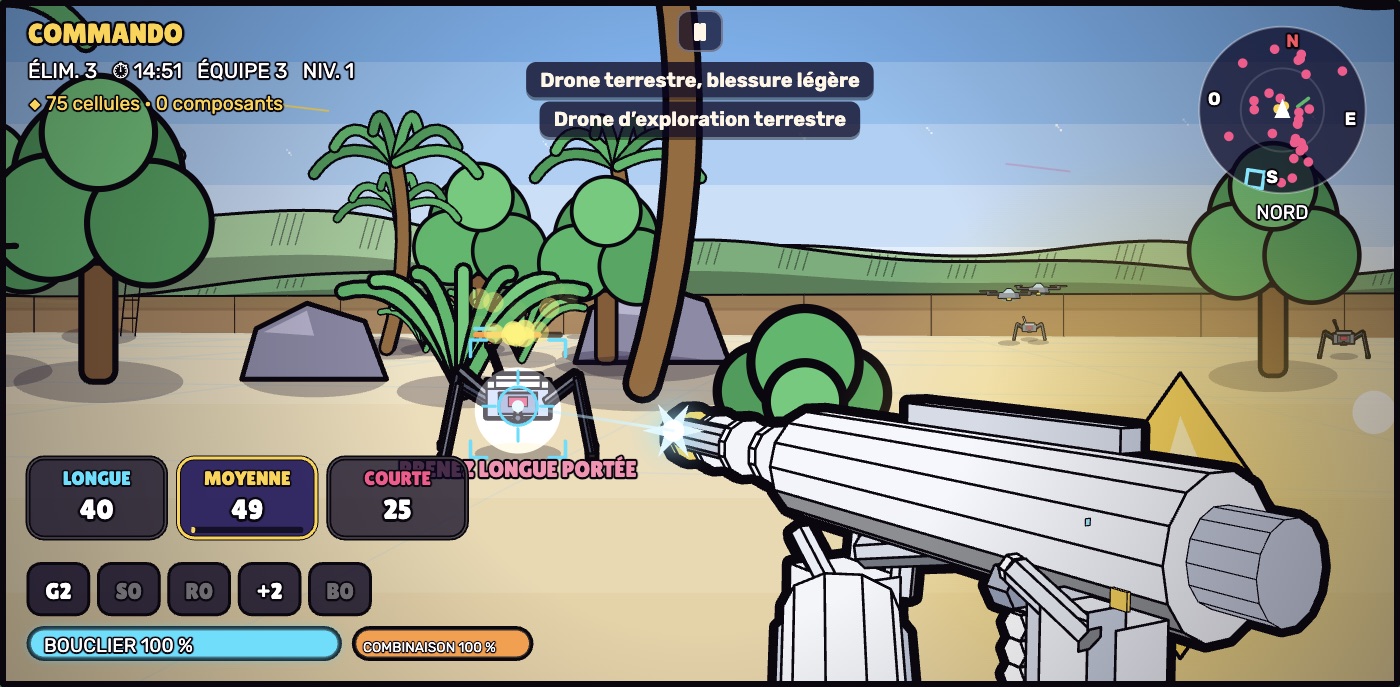
3D spatial sound places every noise around you, in your headphones: in front, behind, left, right. Coswars uses it to locate enemies without a screen, and adds three distance alarms, fixed sounds that work as landmarks, and a voice that announces zones and directions.
Which games use 3D spatial sound to locate enemies without a screen?
In Coswars, several layers of sound work together:
- each enemy’s own noise (rotors, mechanical footsteps), placed in 3D, louder as it gets closer;
- three range alarms: a soft ping for long range, a two-tone siren for medium range, an insistent buzzer for short range;
- a spawn sound when an enemy is detected;
- place sounds: each zone of a map gives off a fixed sound you can hear from afar (waterfall, generator, workshops);
- the voice, which announces compass directions as you turn and when you enter each zone.
Sounds from behind are slightly muffled, as in real life, so you do not mix up front and back. In Defense Zone, where you stay in place, the voice gives the enemy’s position (“Position 3, ground drone”).
In short
- Each enemy has its own sound, placed in 3D.
- Three distinct range alarms.
- Place sounds work as landmarks; the voice announces zones and directions.
Frequently asked questions
Do I need special headphones?
No, any stereo headphones or earbuds will do.
Should I turn off spatial audio on AirPods?
Yes, that is recommended: the game already makes its own 3D sound. The in-game Help explains how.
Read more
- Coswars, the shooter designed for the ear: home page
- The Coswars game modes
- Coswars accessibility in detail
- Aim assist and a voice that announces everything: playing a shooter without sight
- A sniper game you play by sound alone: the Coswars Sharpshooter
- Science fiction games and apps you can play entirely by ear, in 3D sound
- All blog articles